Start device manager
Device Manager is the tool that shows the devices that are currently connected to your system. It’s very helpful when tracking down Plug and Play issues, especially with USB products. There are many ways to start device manager, but fortunately there’s at least one way that works on all versions of Windows from Windows XP through Windows 10.
To Start Device Manager
- Open the “Run” dialog box by pressing and holding the Windows key, then press the R key (“Run”).
- Type
devmgmt.msc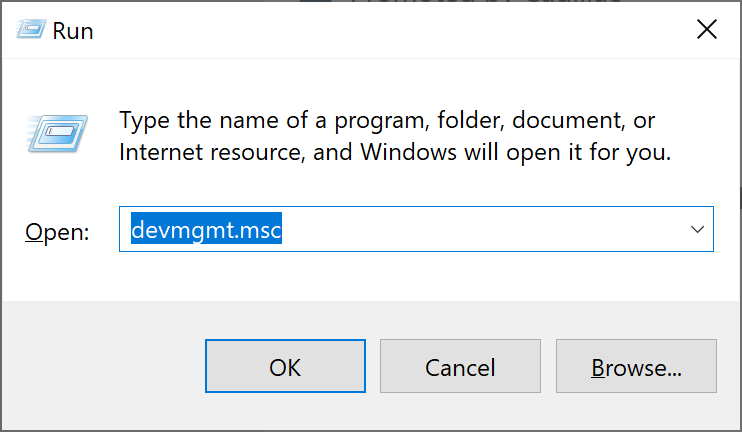
- Click
OK.
You’ll now see a window similar to the following:
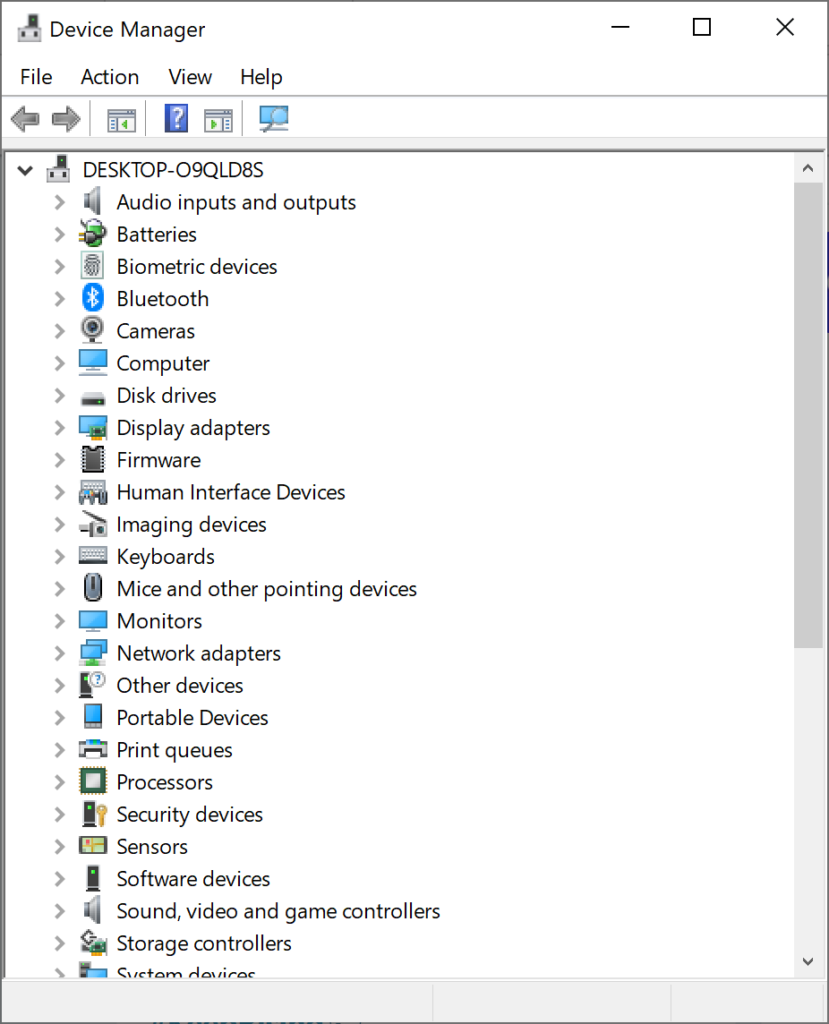
You’re there!